

Create simplicity and beauty in the world one app at a time.

With the Right Tools, You Can Create Amazing Experiences.
Our passion for craftsmanship comes from the desire to deliver simple and beautiful experiences that drive productivity across your digital product teams, and that enable data-driven, high-performing teams across your entire organization. Built with care and attention to every small detail, from our learned expertise over the last three decades.
Design & Development

Deliver apps in half the time with Infragistics Ultimate! With hundreds of UI controls & components, the fastest data grids and data charts for every popular web & desktop platform, plus a complete design-to-code platform including a web-based WYSIWYG drag & drop IDE.
Business Intelligence

Empower everyone in your organization to make smarter business decisions and take actions based on predictive data. Reveal makes it easy to embed analytics into your apps and easily connect to modern cloud platforms like Microsoft Azure, Google Big Query, and AWS.
Team Productivity
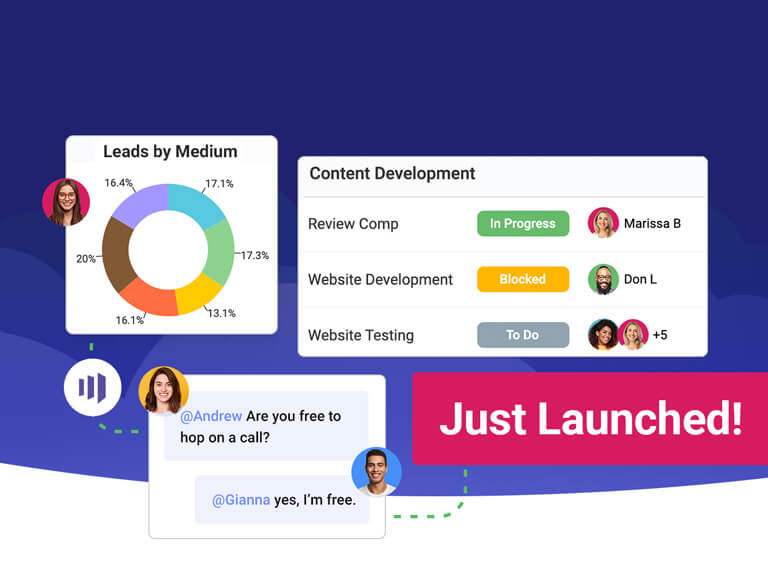
Slingshot is the only digital workplace that connects everyone you work with to data-organizes projects, content and chats-to boost team results. Increase business agility, empower confident decision making and instill trust within your organization.
Stories That Truly Matter
More than two million developers use Infragistics UX and UI toolkits to support and accelerate their application development.








Ideas That Inspire. Discover What's New.

Overwhelming Data: Easy to Digest and Use For Decision Making With Reveal
Adrenalin saved three months of development time by implementing Reveal's embedded analytics, reducing roll-out time. Adrenalin customers are using Reveal to analyze real-time HR data for people insights across HR processes -- from hire to retire.

Top Software Development Challenges for 2023
Keeping pace with innovation in developer tools, managing workload, security threats, and project management are other major pain points for 2023. The survey also revealed that software developers continue to struggle with communication and collaboration tools in the new digital environment.
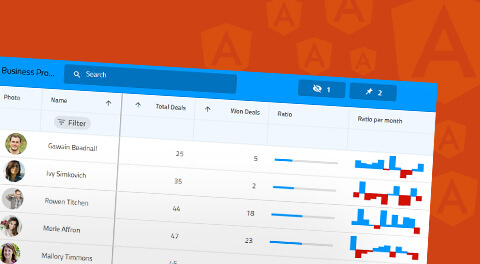
Angular Essentials RefCard Getting Started
This RefCard will review Angular essentials and cover pivotal concepts behind this ever-growing application platform. From Angular’s basic architecture to property and event binding, this RefCard highlights the foundational and advanced topics needed for successful app development in Angular.
Stay Current with the Latest News and Features
See all news and articlesFusing Voice of the Customer & That of the Employee
Unlock the secret to business success with UX Fellow Tobias Komischke's perspective on harnessing the voice of the customer and voice of the employee. The importance of empathy, interconnecting VOC & VOE, and tracking metrics is at the core of strategic decisions.
Craft Modular Angular Apps with Standalone
With the recent introduction of Angular Standalone, development experience becomes smoother. This guide dives into Angular standalone components and best practices to craft modular apps. What is a standalone component in Angular, how to use it, and more...
Merging AI Into the Company Is a Big Challenge
The promise and risks of AI have been dominating the headlines. But how to integrate it into software development processes? The 2024 Reveal Top Software Development Challenges survey found that the biggest challenge this year is merging AI in the organization.
A CEO Explains Leading Businesses' Approaches
In his new book “When Grit Is Not Enough”, Dean Guida, Infragistics Founder & CEO, unveils why companies like Apple, Google, and Microsoft are researching worker health and wellness. That and more insightful stories to help entrepreneurs scale their business effectively.
Working Together and Pushing Boundaries
 Rutgers University
- React Framework
- Angular Framework
- Stevens Institute Technology


-

Supporting the Next Generation of Leaders in STEM
Infragistics has partnered with Rutgers Division of Continuing Studies, supporting students and faculty with access to its full portfolio of UX, UI and Analytics software including Infragistics Ultimate, Indigo.Design and Reveal.
Read More"We are thrilled to be able to offer our students, faculty and staff Infragistics software solutions that will accelerate their design, development, and collaboration efforts."
Lee Pagenkopf, Founding Manager, Rutgers Makerspace -
Serving the Microsoft and .NET Ecosystem
As a Gold Microsoft partner, Infragistics continues to be an active leader in the Microsoft developer ecosystem, providing controls, components and tools to streamline development of .NET applications on any platform or device.
"Infragistics has been a Microsoft partner for almost 3 decades. Through this close-knit relationship we’ve not only built technology that Microsoft has used in their products, but we’ve embraced and extended Microsoft platforms to deliver the tools and frameworks backed by .NET that our joint customers use as they build the next generation of enterprise applications."
Jason Beres, Sr. VP of Developer Tools, Infragistics -
Proud Contributor to and Supporter of Angular
Infragistics is an active contributor to the Angular ecosystem, working directly with the Angular team at Google to contribute to the open source Angular components, while also providing the most complete commercial library of Material-based, Angular-native UI components, Ignite UI for Angular.
"In the end I was really happy with my work. I learned a lot….finding that the people responsible for the project are open to new ideas and very friendly… and the feeling that you are contributing to a project used by tens of thousands of engineers is great."
Milko Venkov, Software Developer, Infragistics -
Supporting the Next Generation of Developers and Entrepreneurs
The Stevens Venture Center (SVC) is an innovative entrepreneurship ecosystem designed to connect Stevens entrepreneurs with infrastructure, resources and funding assistance so they can develop sustainable and successful commercial enterprises based on either Stevens-derived or individually conceived technologies.
Read More"We are grateful for the support from partners like Infragistics, which are willing to share their technology and UX/UI expertise."
Premal Kamdar, Entrepreneur in Residence at the Stevens Venture Center


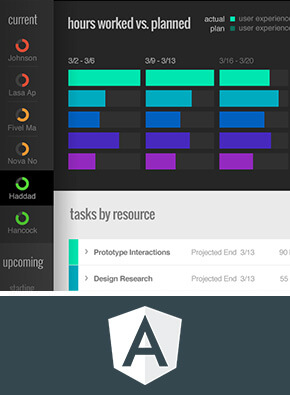

Watch Our Last Webinar
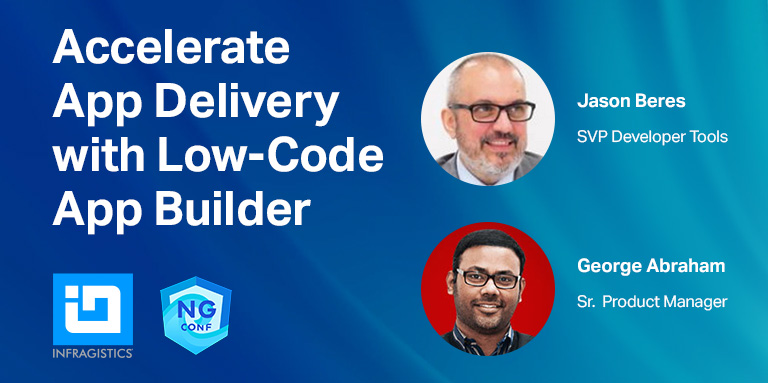
Accelerate App Delivery with Low-Code App Builder™
As your backlog grows, the pressure to produce more apps in less time can become overwhelming. But tools like App Builder help simplify the Angular development process and become a game changer for your team.
In this demo, you’ll learn how App Builder enables blazing fast product delivery with pixel-perfect, production ready code and beautiful user experiences!